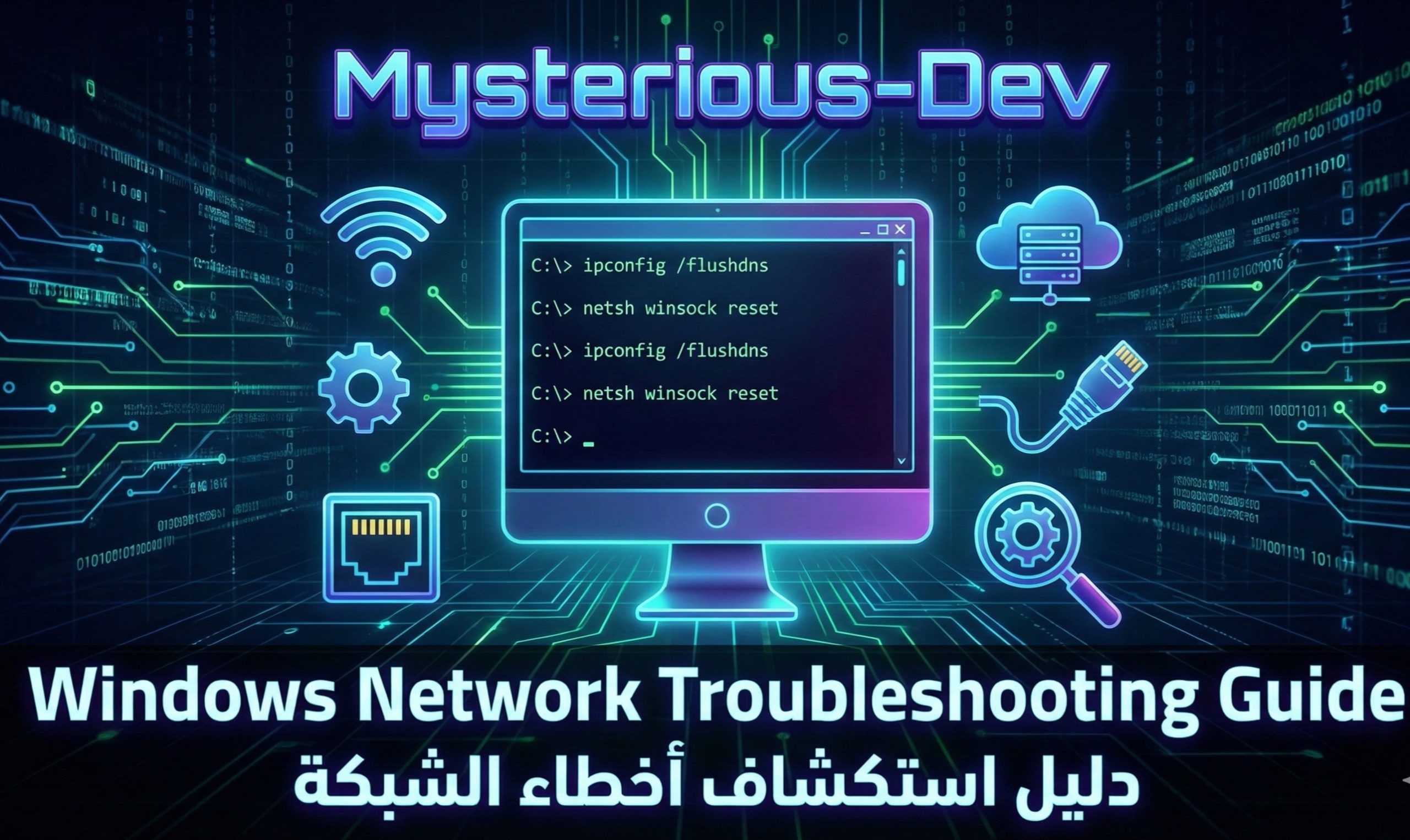
🛠️ Windows Network Troubleshooting Guide
🛠️ دليل صيانة واستكشاف أخطاء الشبكة والإنترنت في ويندوز
📌 Overview | نظرة عامة
English: This article provides official Windows troubleshooting steps to help users resolve common network and internet connectivity issues using built-in system tools. All commands are intended for system maintenance and repair only, following Microsoft-supported practices.
العربية: يقدم هذا المقال خطوات رسمية لصيانة نظام ويندوز واستكشاف أخطاء الشبكة والإنترنت باستخدام أدوات النظام المدمجة. جميع الأوامر مخصصة للصيانة والإصلاح فقط وضمن ممارسات مدعومة من مايكروسوفت.
⚠️ Important Disclaimer | تنويه مهمEnglish: These steps are for personal system troubleshooting and do not bypass security, privacy, or access controls. They only restore default network configurations.
العربية: هذه الخطوات مخصصة لإصلاح النظام الشخصي فقط ولا تهدف لتجاوز الحماية أو السياسات الأمنية، وإنما لإعادة إعدادات الشبكة الافتراضية.
🪟 How to Run Command Prompt as Administrator
🪟 كيفية تشغيل موجه الأوامر كمسؤول
Steps | الخطوات:
- Open Start Menu (افتح قائمة ابدأ).
- Type cmd (اكتب cmd).
- Right-click Command Prompt (زر أيمن على موجه الأوامر).
- Select Run as Administrator (اختر التشغيل كمسؤول).
🔥 1. Restore Windows Firewall Default Settings
🔥 إعادة إعداد الجدار الناري للوضع الافتراضي
Restores default firewall rules to fix blocked or misconfigured connections.
يعيد الجدار الناري لإعداداته الافتراضية لحل مشاكل الاتصال الناتجة عن الإعدادات الخاطئة.
netsh advfirewall reset
netsh advfirewall set allprofiles state on
🌐 2. Reset Network Protocol Settings
🌐 إعادة ضبط بروتوكولات الشبكة
Repairs corrupted TCP/IP and Winsock settings that affect connectivity.
يعالج تلف إعدادات TCP/IP و Winsock التي تؤثر على الاتصال بالإنترنت.
netsh int ip reset
netsh winsock reset
netsh int ipv4 reset
netsh int ipv6 reset
🛡️ 3. Remove Unwanted Proxy Configuration
🛡️ إزالة إعدادات البروكسي غير المرغوبة
Clears proxy settings that may prevent some applications from accessing the internet.
يحذف إعدادات البروكسي التي قد تمنع بعض البرامج من الاتصال بالإنترنت.
netsh winhttp reset proxy
reg delete "HKCU\Software\Microsoft\Windows\CurrentVersion\Internet Settings" /v ProxyServer /f
reg delete "HKCU\Software\Microsoft\Windows\CurrentVersion\Internet Settings" /v ProxyEnable /f
🧹 4. Refresh DNS Cache
🧹 تحديث ذاكرة DNS المؤقتة
Clears cached DNS records to resolve website or service access issues.
ينظف ذاكرة DNS المؤقتة لحل مشاكل الوصول للمواقع والخدمات.
ipconfig /flushdns
ipconfig /registerdns
net stop dnscache
net start dnscache
🔁 5. Renew IP Address
🔁 تجديد عنوان IP
Requests a new IP address from the router or network provider.
يطلب عنوان IP جديد من الراوتر أو مزود الخدمة.
ipconfig /release
ipconfig /renew
📶 6. Restart Wireless Network Adapter
📶 إعادة تشغيل محول الشبكة اللاسلكي
Temporarily disables and re-enables Wi-Fi to restore stable connectivity.
يعطل ثم يعيد تشغيل الواي فاي لاستقرار الاتصال.
netsh interface set interface "Wi-Fi" disable
netsh interface set interface "Wi-Fi" enable
🗑️ 7. Remove Stored Wi-Fi Profiles
🗑️ حذف الشبكات اللاسلكية المحفوظة
Deletes outdated or corrupted Wi-Fi network profiles.
يحذف ملفات الشبكات القديمة أو التالفة.
netsh wlan delete profile name=*
🧾 8. Restore Hosts File to Default
🧾 إعادة ملف Hosts إلى الوضع الافتراضي
Restores the default hosts file to prevent incorrect website routing.
يعيد ملف hosts الافتراضي لمنع توجيه المواقع بشكل خاطئ.
attrib -r -s -h C:\Windows\System32\drivers\etc\hosts
del C:\Windows\System32\drivers\etc\hosts
echo 127.0.0.1 localhost > C:\Windows\System32\drivers\etc\hosts
🌍 9. Reset Internet Configuration
🌍 إعادة إعدادات الإنترنت
Resets system internet settings to default values.
يعيد إعدادات الإنترنت إلى القيم الافتراضية.
RunDll32.exe InetCpl.cpl,ResetIEtoDefaults
🔄 10. Advanced Network Reset (Optional)
🔄 إعادة ضبط الشبكة بالكامل (اختياري)
Reinstalls network components and services.
يعيد تثبيت مكونات الشبكة وخدماتها.
netcfg -d
🔴 Final Recommendation | التوصية النهائية
English: Restart the computer after completing these steps to apply changes.
العربية: يُفضل إعادة تشغيل الجهاز بعد الانتهاء لتطبيق التغييرات.
✅ Common Issues Addressed
✅ المشاكل الشائعة التي يتم حلها
- Limited or no internet access (اتصال محدود أو مقطوع).
- Applications cannot connect online (البرامج لا تتصل بالإنترنت).
- DNS resolution problems (مشاكل تحليل DNS).
- Firewall misconfiguration (إعدادات جدار ناري خاطئة).
- Wi-Fi connected but unstable (واي فاي متصل لكن غير مستقر).
- Network identified incorrectly (تعريف خاطئ للشبكة).