Network Solutions
UNLOCK INSTRUCTIONS

UNLOCK INSTRUCTIONS:

Micro-USB cable:
1. Phone must be powered on.
2. Type *#0808# and select ‘DM+MODEM+ADB’.
3. Type *#9090# and choose ‘DM/DUN over HSIC’.
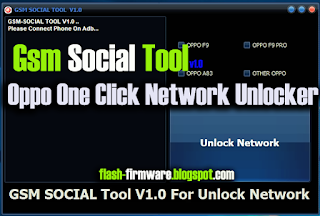
4. Reboot phone.
Or use ‘Activate Diag’ function from ‘Repair’ tab.
5. Connect USB cable, install drivers if needed.
6. Select Samsung diagnostic port in port settings.
7. Press ‘Unlock’ button for direct unlock.